Showing 37 - 48 of 56 results
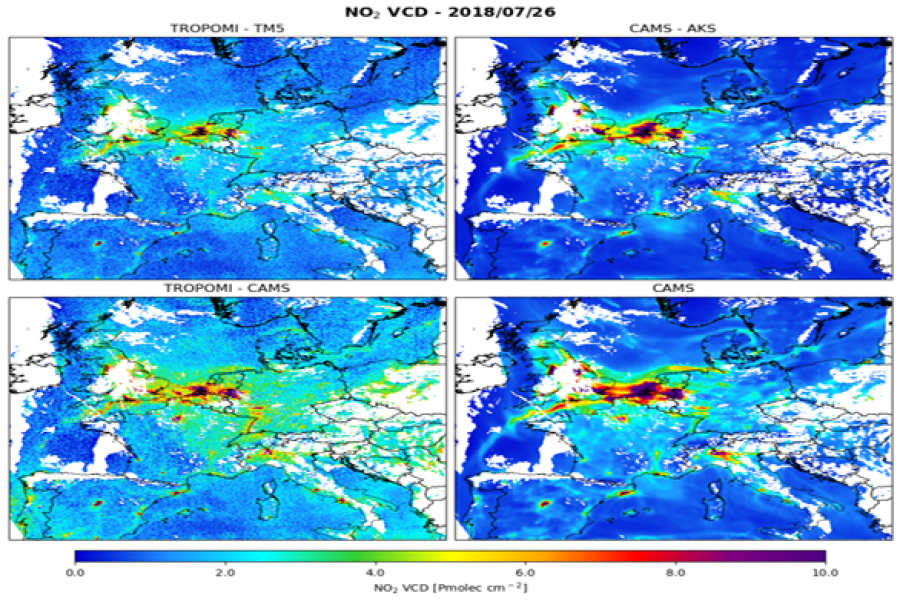
Comparing TROPOMI NO2 columns with the CAMS regional air quality ensemble product

Comparing TROPOMI NO2 columns with the CAMS regional air quality ensemble product

Format: Jupyter notebooks

Comparing TROPOMI NO₂ observations with CAMS regional fields to assess spatial patterns and air-quality variability.

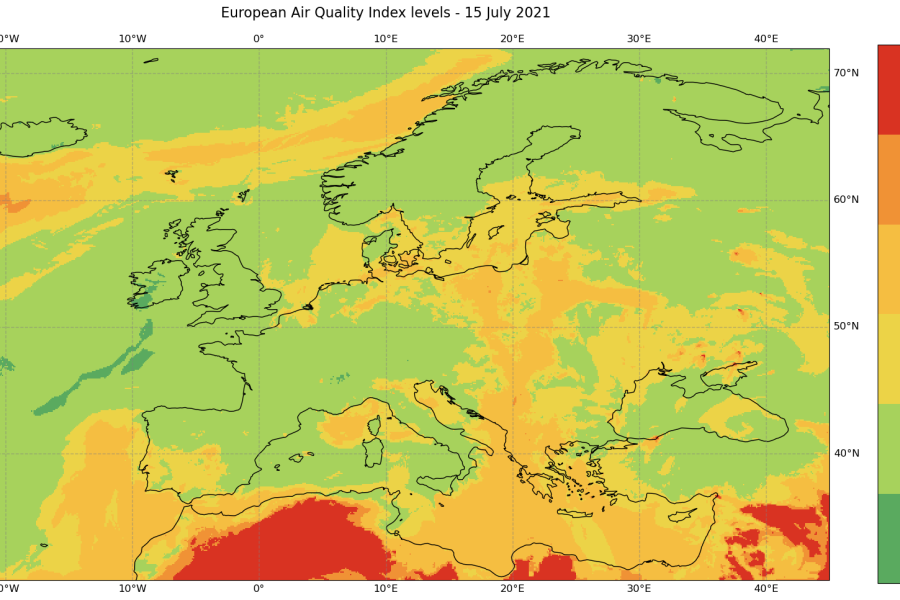
European Air Quality Index Calculation

European Air Quality Index Calculation

Format: Jupyter notebooks

Calculating and mapping the European AQI from CAMS pollutant data and analysing pollutants with heat maps.

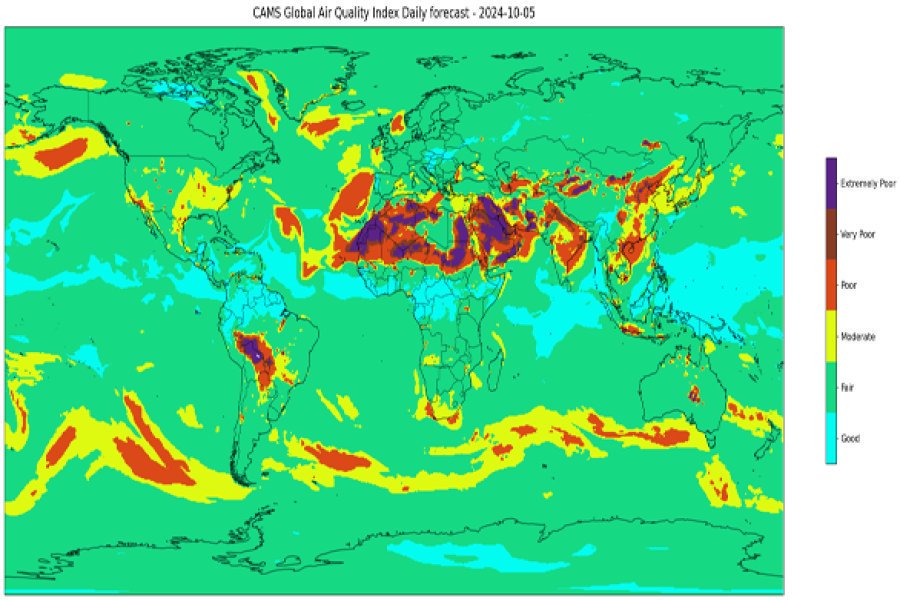
Global Air Quality Index

Global Air Quality Index

Format: Jupyter notebooks

Computing and visualising the global AQI from CAMS pollutants to assess air-quality conditions worldwide.

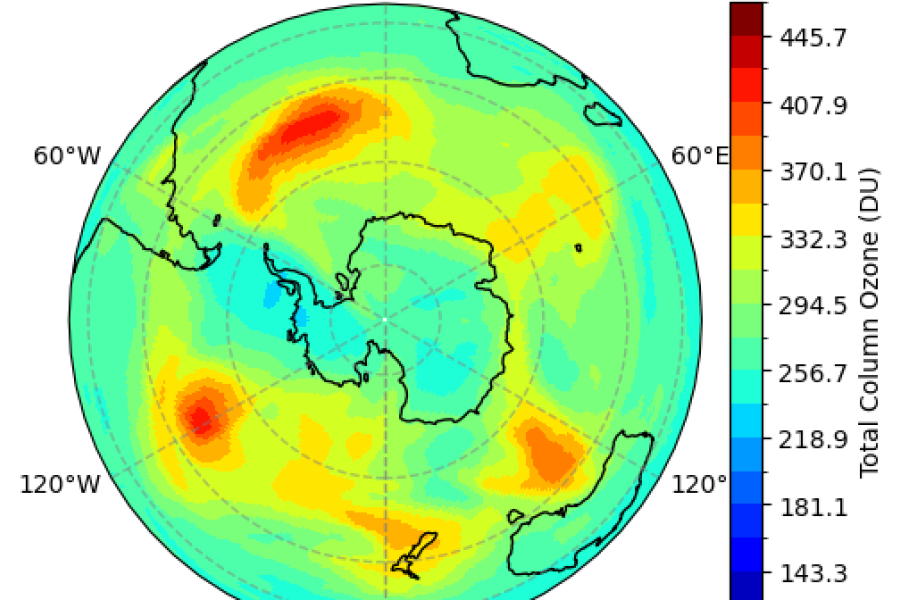
Antarctic Ozone Hole Monitoring Tutorial

Antarctic Ozone Hole Monitoring Tutorial

Format: Jupyter notebooks

Processing and visualising CAMS ozone fields to visualise and animate the Antarctic ozone hole.

Create Animations from CAMS Data

Create Animations from CAMS Data

Format: Jupyter notebooks

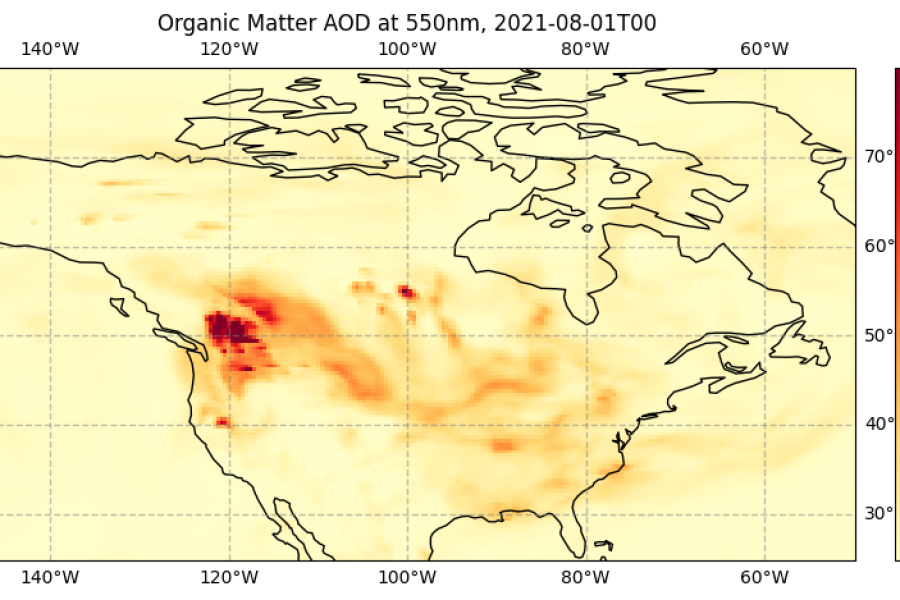
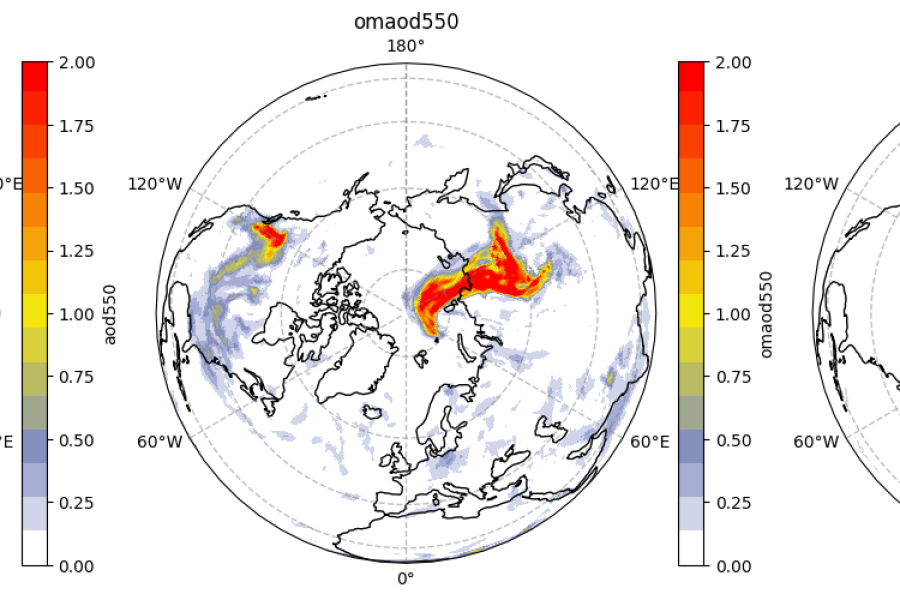
Access CAMS global atmospheric composition forecasts and view time series as animations.

Create Maps from CAMS Data

Create Maps from CAMS Data

Format: Jupyter notebooks

Create maps of CAMS global atmospheric composition forecast data for multiple parameters.

Profile Plots and Zonal Means

Profile Plots and Zonal Means

Format: Jupyter notebooks

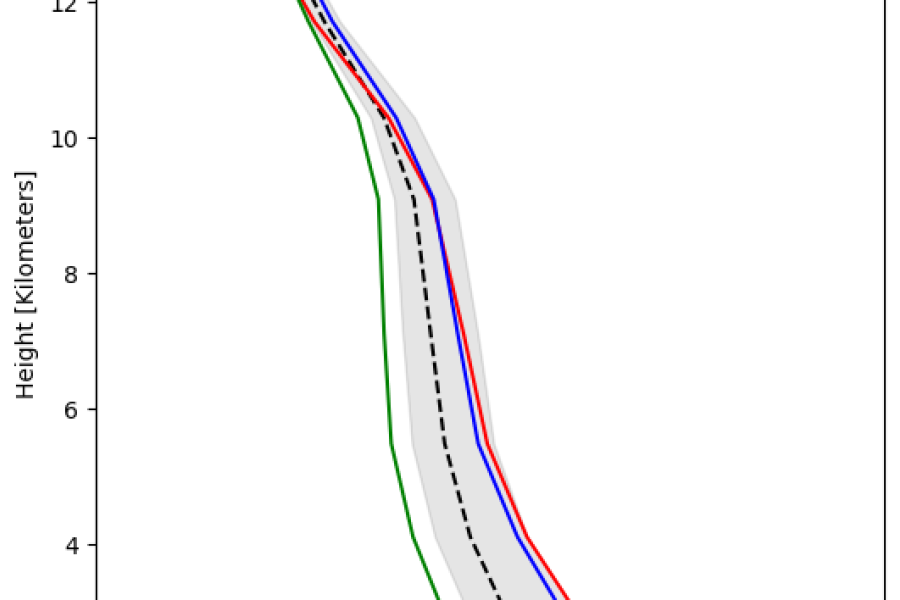
Visualising vertical profiles of species from CAMS data to examine atmospheric layering and profile behaviour.

Plot Time Series of CAMS Data

Plot Time Series of CAMS Data

Format: Jupyter notebooks

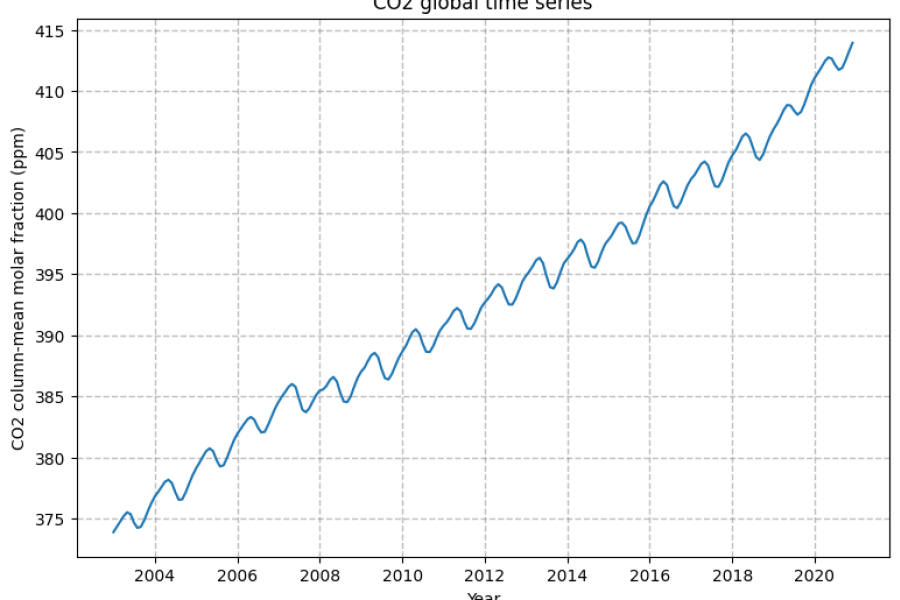
Downloading, calculating and plotting global CO2 time series using CAMS reanalysis data.

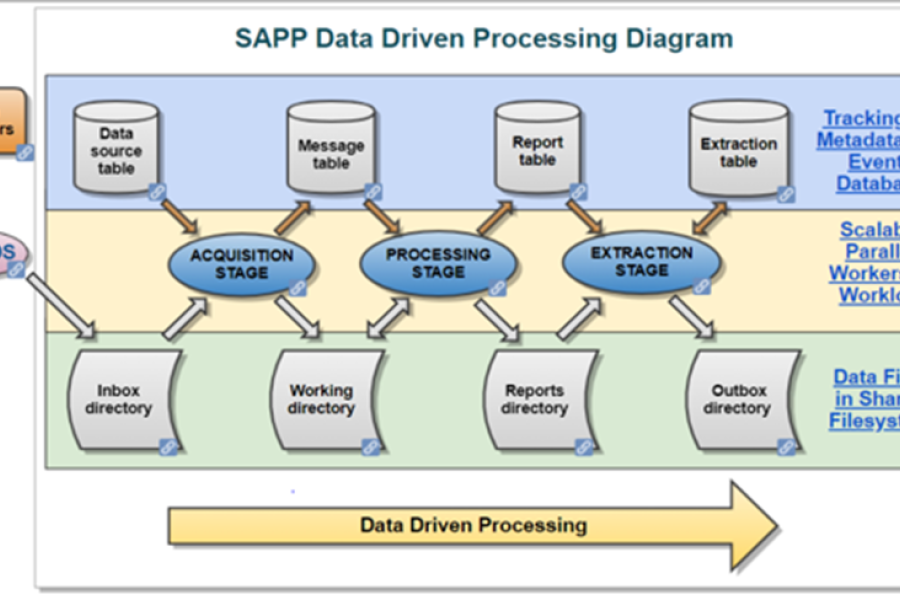
Introduction to the Scalable Acquisition and Pre-Processing (SAPP) system

Introduction to the Scalable Acquisition and Pre-Processing (SAPP) system

Format: Interactive modules (eLearning)

The SAPP system is the ECMWF's operational acquisition and pre-processing system for observations and other input data.

Using ECMWF computing facilities: the batch system

Using ECMWF computing facilities: the batch system

Format: Interactive modules (eLearning)

This lesson focuses on ECGATE - ECMWF's server allocated for users' tasks, from submitting jobs to correcting errors.

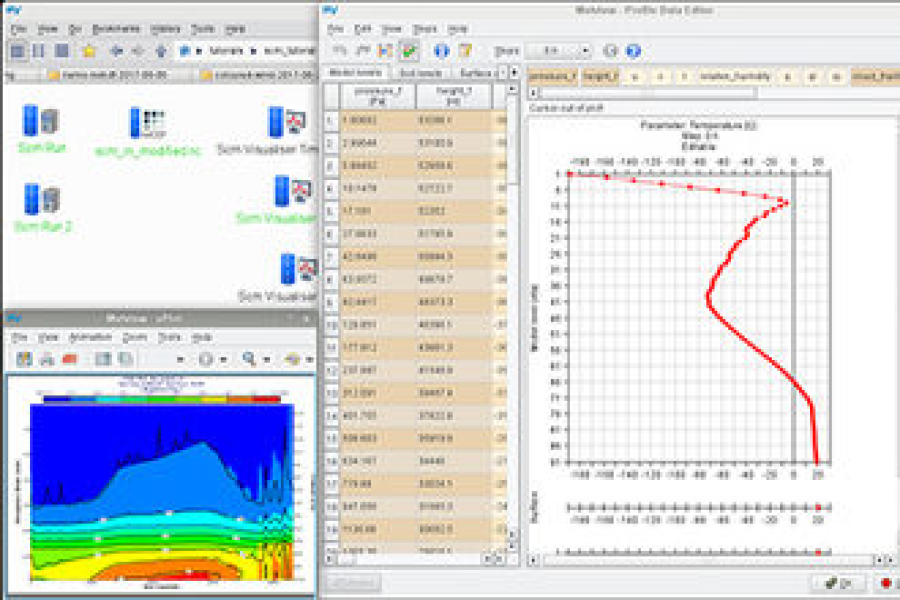
Metview for the Single-Column Model (SCM)

Metview for the Single-Column Model (SCM)

Format: Interactive modules (eLearning)

This lesson provides an overview of Metview's main features to analyse and edit input data for the single-column model.

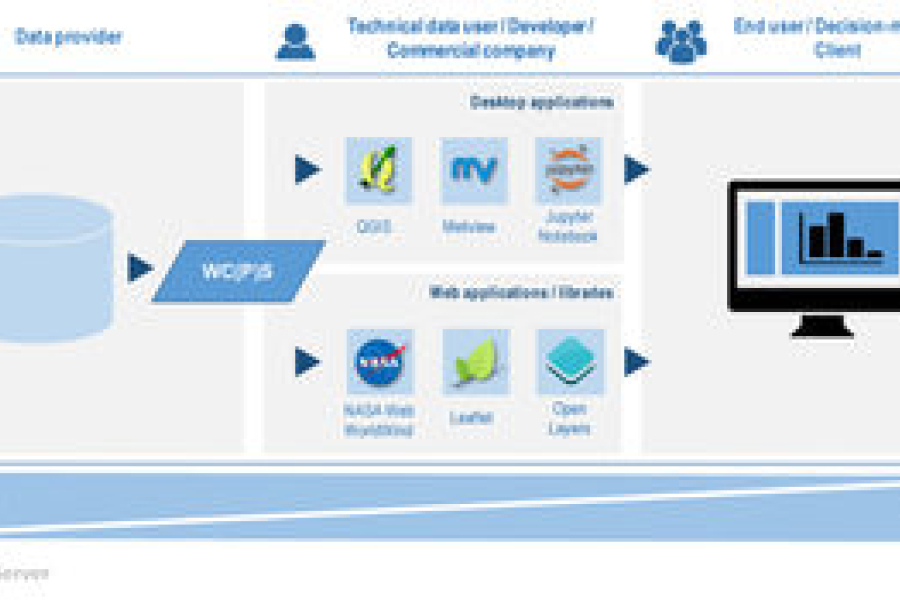
Exploring meteorological data through OGC web services

Exploring meteorological data through OGC web services

Format: Interactive modules (eLearning)

This lesson describes the web services used to visualise geographical data and outlines what OGC and INSPIRE are.